
- New inquiry
- Reply and follow-up
- First call
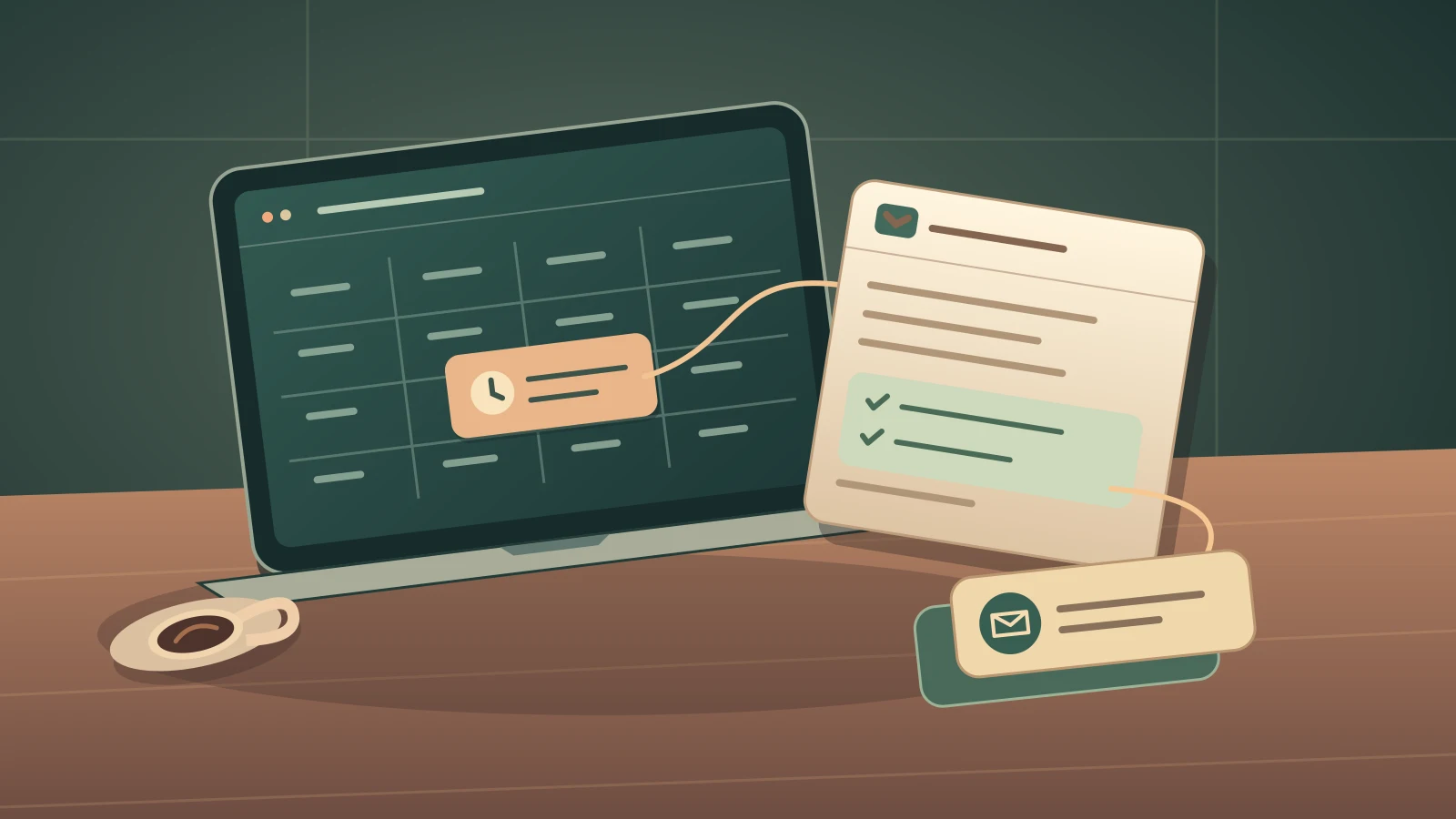
The first reply opens the conversation. Follow-up makes it easier to pick up, and scheduling makes it easy to move to a call.
The first reply offered a next step
I integrated an automatic reply for new inquiries. The message confirmed that the inquiry had arrived and offered a concrete way to continue, either by replying with more context or picking a time. That let the person move forward from the first email while the team was still reviewing the request.
I then added follow-ups on days 1, 3, and 7 for contacts who were still waiting to connect. I wanted each message to give the person a reason to pick up the conversation again, whether that meant revisiting the inquiry, clarifying a question about the project, or making the booking link easy to find. Once someone replied or booked, the next step was to continue from there.
How I connected follow-up to scheduling
To organize the workflow, I separated the state of the conversation from the work of sending messages. That distinction let me give each email a timing and a purpose. An open inquiry might need a follow-up. A confirmed appointment started a new stage, with preparation information and reminders that helped the person get to the call.
At YuJu, I used Nuxt to receive website inquiries, store them in Supabase, and notify the team through Resend. That part of the process started with a form and left the team with a record to follow up on. On my personal site, I used Next.js for the booking experience and Cal.com to let people pick a time.
When someone booked or changed the date, Cal.com sent a webhook to a Cloudflare Pages Function. The function updated the booking in Supabase and stored the pending emails with their scheduled send times. The webhook reacted to a change in the calendar. Cloudflare’s Cron Trigger had a different job: it ran a Worker that picked up due messages and sent them through Resend.
I designed the queue to recognize repeated events and remove pending reminders when the scheduled time changed. If a booking notification came in twice, the system could recognize that the email was already scheduled. If someone moved the appointment, the emails could follow the new time without having to redo the follow-up by hand.
The call was part of the workflow, too
After booking, the preparation page explained what could fit into half an hour and what information would help to get started. A brief description of the problem and one example of where the work had stalled were enough to give the call some context. The confirmation email and reminders carried that information and kept the joining details handy.
I also added follow-up for missed calls. After the appointment, I could record what had happened. A confirmed absence led to a short message offering another time. That kept the context of a conversation that had already started.
Understanding the inquiry before replying
I want to add two steps when an inquiry comes in. In the first, an AI model would read the message and return what the person is asking for, what they have already shared, and what is still missing. For example, “I want to connect my store to my inventory system” is enough to identify an integration request, though I’d still need to know which tools the business uses. If the intent is unclear, the inquiry would go to a person for review.
In the second step, a writing model would use that result to draft a short reply. The system would check that the message is grounded in what the person wrote and asks only for the information needed to move forward. Once it passes that check, Resend could send it right away from the same workflow, and Supabase would keep the context for the team picking up the conversation.
For that inventory inquiry, the reply might read: “Thanks for reaching out. What platform is your store on, and where do you track inventory today? Those two details would help me prepare for the call.” The aim is for the first reply to move the conversation forward and save the person from starting over when the call begins.
What I verified about the follow-up
I verified the follow-up workflow: once the next step was defined, the system could schedule it and keep it moving. The value for a sales team was making that work repeatable. Each inquiry could get a reply, each open contact had a time to be revisited, and an interested person could book without waiting through another round of email.
That’s the part of automation I’m most interested in applying to a business. A form opens an opportunity. Connecting the reply, follow-up, and call helps turn that interest into a sales conversation and gives the team more time to understand what the person who reached out actually needs.