
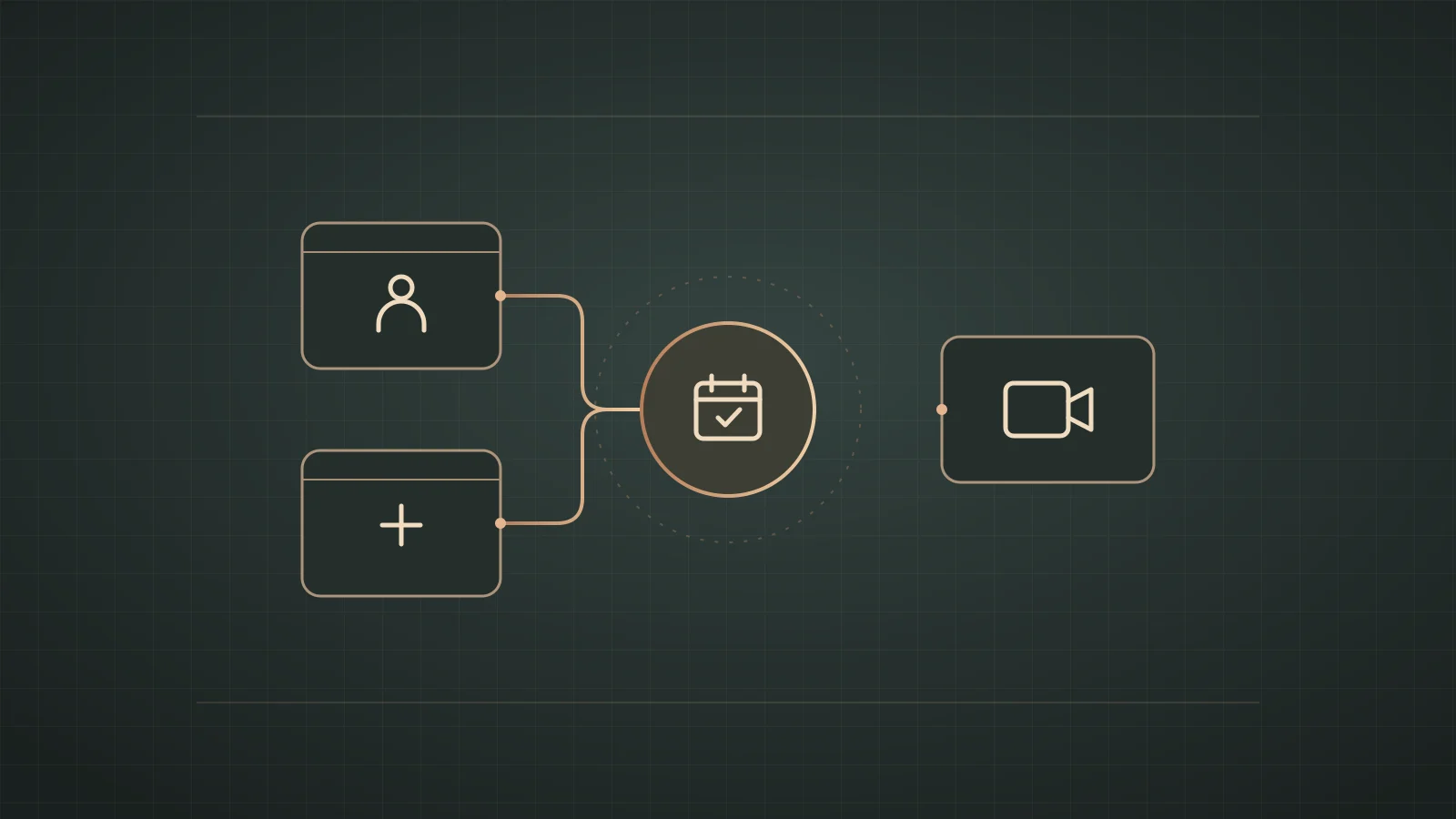
- Patient and doctor portals
- The same appointment
- Video session
Both portals used the same appointment to get to the consultation.
One appointment, two portals
I led the EasyMD migration as CTO and worked on the code as lead developer. The first version had a Node.js backend that exposed its operations through GraphQL and a React frontend. In the second version, Laravel became the core. Blade was used for views served by that core, while the patient and doctor portals were built with Vue and TypeScript.My work on EasyMD (Spanish)
Patients found an appointment in their list of visits. Doctors saw it in a schedule they could use to start the consultation. The two interfaces served different purposes and depended on the same record. A change in what an appointment status meant affected both portals, even when each screen displayed it differently.
That was where my two responsibilities met. As CTO, I was responsible for changing the platform while keeping the medical visit in view. As a developer, I could follow that same visit through the data model, the scheduling logic, and both portals. It made the architecture discussion concrete: an appointment could be stored correctly and still be unusable if the doctor couldn’t find a way into the call.
What an appointment had to keep through the migration
I worked on importing appointments from a document model into a relational one. The work was in translating what the data meant: who the appointment belonged to, when it was scheduled, and what state it was in. Moving to a new model meant making those relationships explicit in the new platform.
One design consideration was making sure the import could recognize an appointment it had already processed. That mattered when rerunning the work. Another saved row could look like success to the importer and leave the doctor with two appointments where they expected one.
That’s the detail that changes the conversation with the team for me. A row count tells you how many records made it across. The question I cared about here was whether the appointment was still tied to the right people and showed the time they expected. Before talking about new screens, I needed to understand what each field represented in the old system.
How I linked appointments to video calls
The appointment and the video session had different lifecycles. The appointment existed as soon as it was booked. The session was for the visit itself. I worked on linking the two so the video integration could evolve without redefining what an appointment meant elsewhere in the product.
I used a service layer with dependency injection to separate a product action, starting the consultation, from the integration that made the video call possible. When I read the code that coordinated a visit, I could follow the appointment logic without tracing the provider-specific code as well.
In the doctor portal, I worked on the waiting room. The interface distinguished between a visit that was still being prepared and a video call that was ready to open. For the doctor, that difference was practical: they could see whether to wait or move into the consultation.
What I left in the Vue components
In the patient portal, I worked on the appointment and prescription lists. For appointments, the composable grouped the API call with its loading and error state. The Pinia store held the list as reactive state. The screen could focus on rendering the data while the composable fetched it and handled the response.Vue · Composables (external link, opens in a new tab)
Later, I also worked on the chat in the doctor portal. The same idea came up again: separating what the doctor saw from how the messages arrived. That boundary was worth keeping because chat remained part of the visit even as its integration changed.
What I took away from the migration
The move from Node.js to Laravel explains part of the story. What stayed with me was seeing where I could separate responsibilities and still keep the experience intact: between the appointment record and the video room, between the API and each portal, and between a component and the logic it used to fetch data.
In the code there were models, routes, states, and communications providers. For the doctor, it came down to opening the schedule and seeing the person who had an appointment. That was what I needed to keep in mind when deciding the scope of the change. Working on the waiting room showed me exactly where those two things came together: the moment an appointment stored in a database became a medical visit.
See the EasyMD telemedicine case study